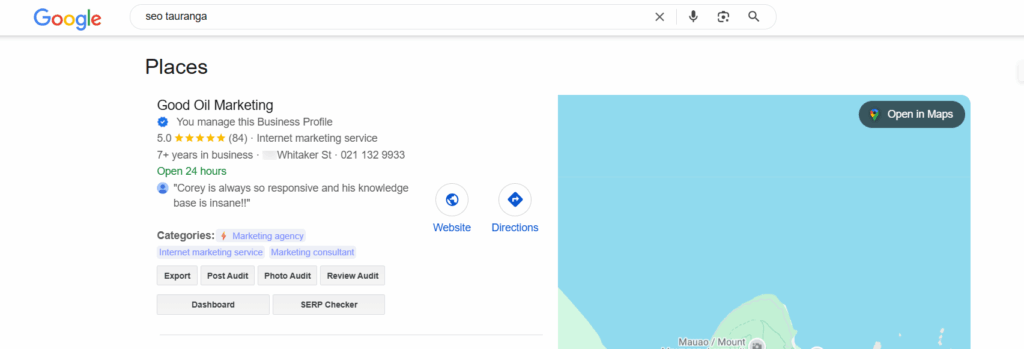
Your Google Business Profile (formerly Google My Business) is one of the most important online tools for attracting local customers.
When people search for your business or services on Google or Google Maps, your profile is often the first thing they see.
The good news?
You can use Artificial Intelligence (AI) to make your profile more engaging, more helpful—and easier to manage.
Here’s how AI can boost your engagement, plus the best tools to help you get started.
(NOTE – there are NO affiliate links on this page, so the recommendations are unbiased)
x
x
🔹 1. Write Better Posts and Review Replies (Fast)
Keeping your profile updated with fresh posts—like promotions, updates, or events—helps your business stay visible in search results.
But writing those posts (and responding to reviews) takes time.
AI writing tools can speed this up by helping you create polished, engaging messages in minutes.
Just describe what you want to say, and the tool will write it for you.
✅ Recommended Tools:
- ChatGPT – Write posts, promotions, and review responses instantly. Just describe what you need.
- Jasper.ai – Create compelling marketing messages and social content using AI templates.
- Copy.ai – Generate short, catchy messages for GBP updates and responses with little effort.
📌 Example:
“Use ChatGPT to say: ‘Write a 100-word Google Business Profile post about our new winter specials at our café.”
It’ll give you a polished post you can paste directly into your profile.
🌶️ Hot Tip: Use Google Business Profile “posts” or “updates” to answer questions relevent to your niche. Google is a place people go to search for answers. For example “Life’s Next Stage“, a retirement downsizing business, could create many Q and A style posts about the downsizing journey.
x
x
🔹 2. Enhance Your Photos and Create Eye-Catching Visuals
Photos are one of the first things people notice when they view your profile.
High-quality images can boost clicks and engagement.
AI-powered tools can help you:
- Improve low-quality images
- Remove backgrounds or clutter
- Create simple promotional graphics—even if you’re not a designer
✅ Recommended Tools:
- Canva with Magic Studio – Drag-and-drop design with AI editing (like Magic Erase and background removal).
- Remini – Turn blurry or dull images into clear, professional-looking photos.
- Remove.bg – Instantly erase backgrounds to make your product or service stand out.
- Adobe Express – Easy-to-use editor with AI features for branding, image enhancement, and quick content creation.
📌 Tip:
Use Canva to create a “Weekend Special” graphic or highlight a customer review with your logo and brand colors.
🌶️ Hot Tip: Can your business do “before and after” style images for your business? You can use real images, with some AI input, to create beautiful posts for Google. For example, a Lawns Business, a Hair Salon, a panel beater.
x
x
🔹 3. Understand What’s Working (and What’s Not)
Google gives you data about how people interact with your profile—like how many called you, clicked on your website, or viewed your photos.
AI analytics tools can help you understand this information and suggest ways to improve.
They highlight trends, show what’s working, and even help you improve your local SEO.
✅ Recommended Tools:
- Google Business Profile Manager – See views, calls, directions, and searches for your profile.
- BrightLocal – Track your local search performance and reviews across multiple platforms.
- LocalClarity – Understand customer feedback, review trends, and engagement across locations.
- Surfer Local – Get AI-driven suggestions to improve your Google Business visibility and rank locally.
📌 Tip:
Use Surfer Local to see which keywords your competitors rank for and get AI-backed tips to improve your profile.
x
x
🔹 4. Post Regularly Without the Stress
One of the best ways to increase engagement is to post consistently on your Google Business Profile.
But it’s easy to forget or fall behind.
That’s where AI scheduling tools come in.
They help you create a content calendar and automatically post at the right times.
✅ Recommended Tools:
- Publer – Schedule and auto-publish posts to your GBP and social media channels. EXPANDED article on our blog about how to set up Publer HERE.
- SocialBee – Combines scheduling with AI-generated content ideas and post templates.
📌 Tip:
Use SocialBee to plan a month of GBP posts in advance—then let it run on autopilot.
🌶️ Hot Tip: Head to the bottom of this article, and watch the video titled “How to create marketing content“, and start generating content based on questions people are asking.
x
x
✅ Final Thoughts
AI makes it easier than ever to manage and grow your Google Business Profile.
You don’t need to be a tech expert to take advantage of these tools—they’re designed to save you time, improve your profile, and help more customers find and choose your business.
With AI, you can:
- Write better content
- Improve your visuals
- Track what’s working
- Stay consistent
Start small: try one or two tools this week and see how much time and energy you save.
x
Extra Marketing Resources
► YouTube Channel – free Google, SEO, and Google Business Profile tips
► Substack – free resources and articles to help YOU build a better Google presence for your business
► How to get backlinks in your area for Local SEO
x